A good configuration isn't enough. Your teams need to know how to use it, and your administrators need to know how to evolve it. Our training is built around your environment, your processes and the way you actually work.

A well-configured platform only creates value once it's genuinely adopted. We turn your configuration into lasting working habits, with training shaped directly around your environment.
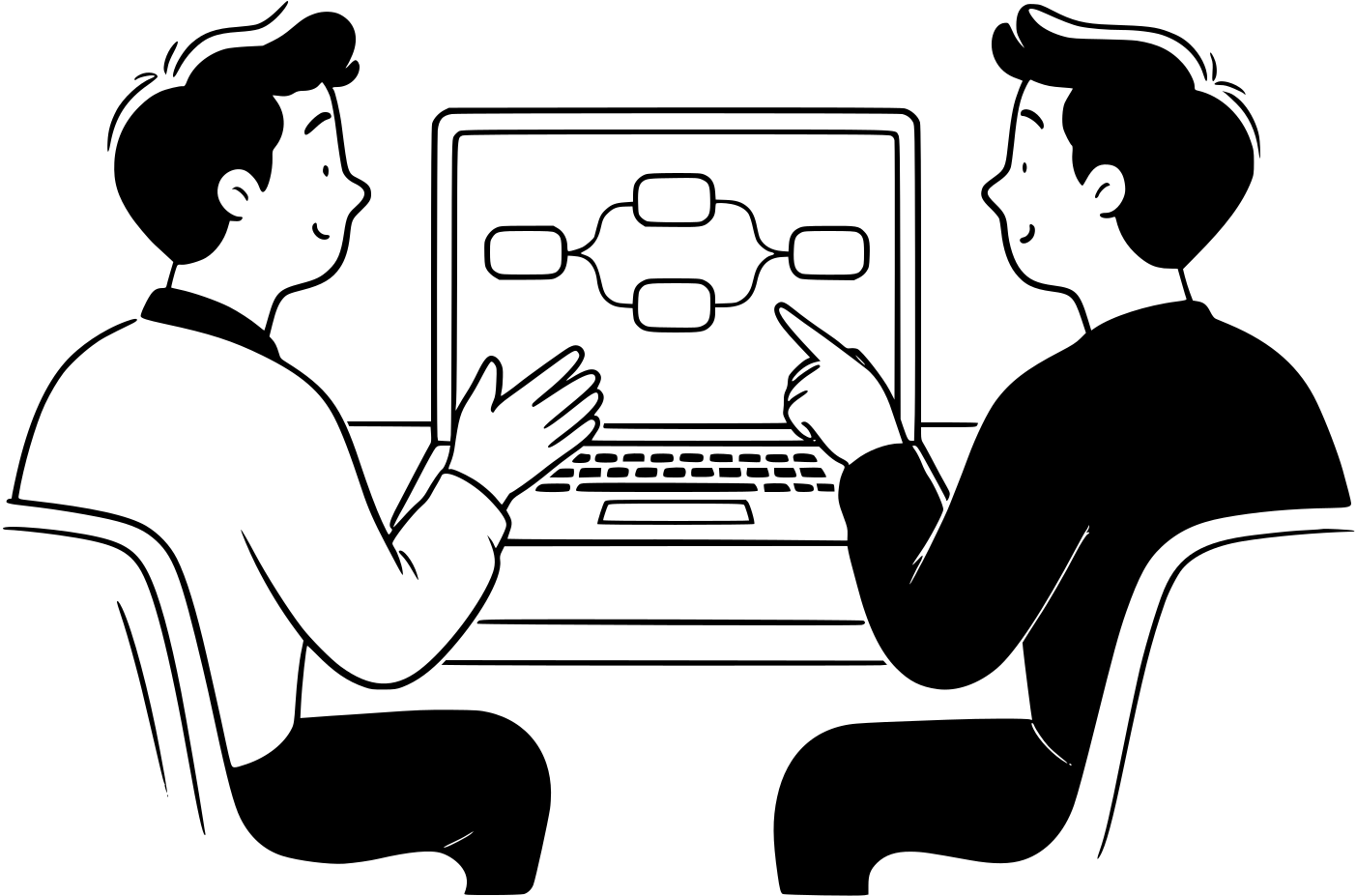
Your teams work directly in the platform, on cases close to their day-to-day. No unnecessary theory.
Your administrators understand their configuration and know how to evolve it on their own.
Better-trained users means fewer repeated questions and more time for your business.
Each role has its own challenges. An approach shaped around your teams and the reality of your environment.
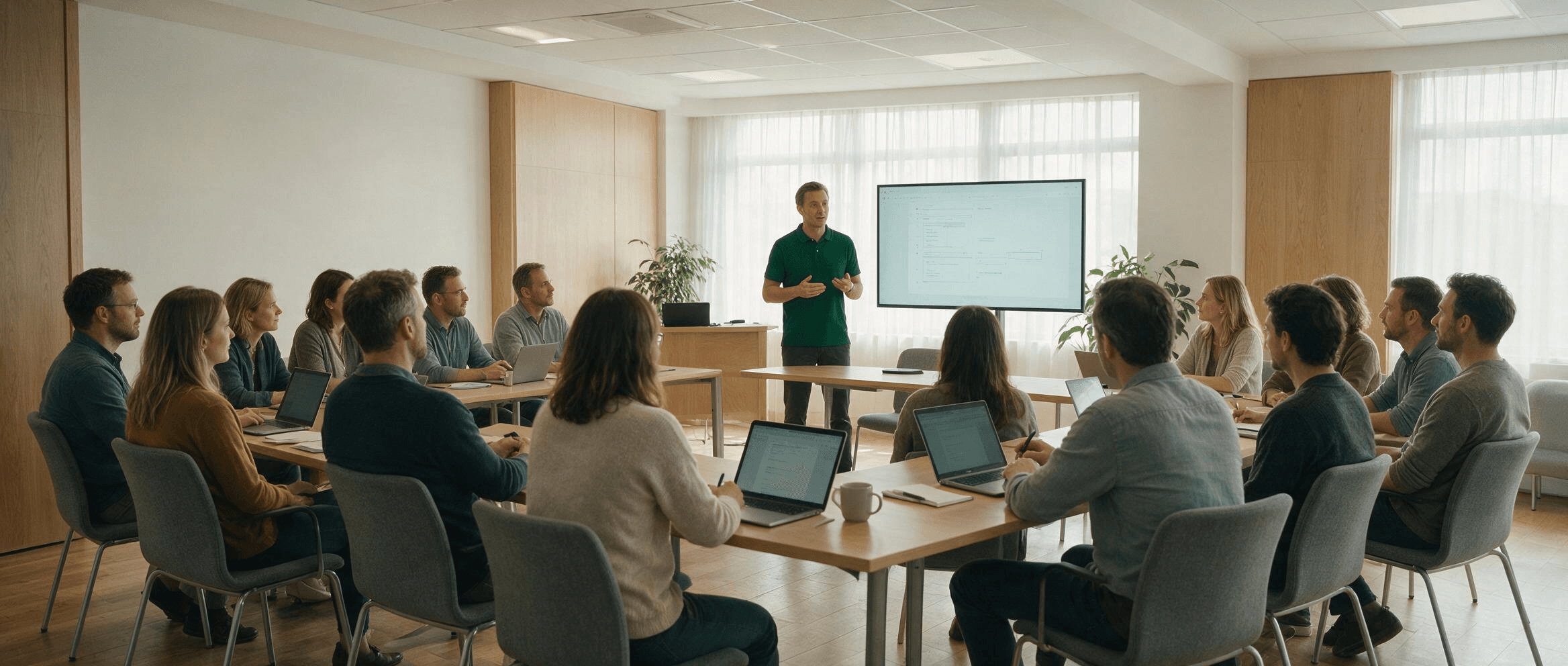
The aim isn't to walk through features, but to let everyone work properly in the platform from the start.
Sessions are built on your processes, your workflows and the situations your people meet day to day. Your teams learn directly in their own environment, with exercises and cases that mean something to them.
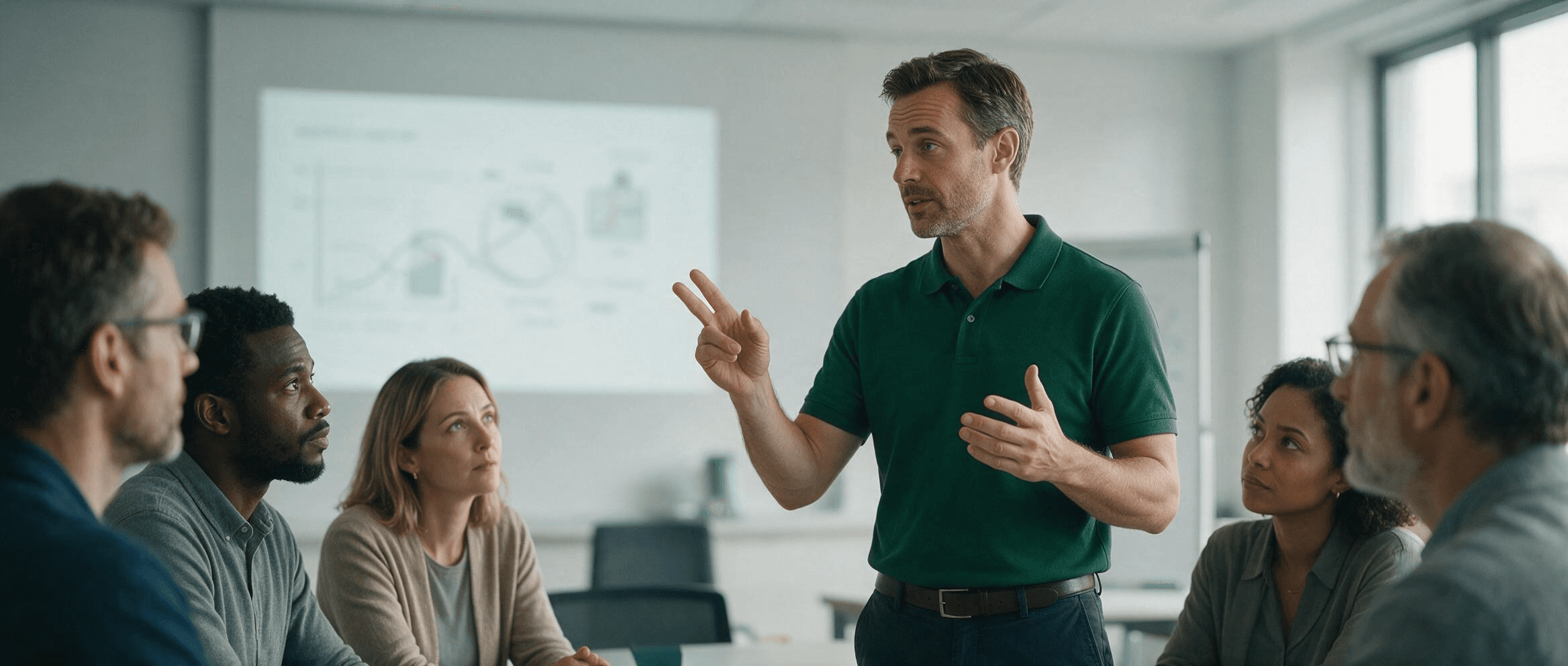
A real handover of knowledge so your team can take over after the rollout.
We walk through your configuration, the choices that were made and the mechanics that make it work. Workflows, automations, rules and best practices are all explained so your administrators can maintain and evolve the environment with confidence.
Every session runs in your own environment, on your own processes. People remember what they recognise.
The needs, the profiles and the situations to cover are identified up front so the training fits your context.
Participants work directly in their own environment, with exercises and situations they'll meet in their day-to-day.
A written recap and the session recordings let your teams find what was covered and revisit the important points after the training.
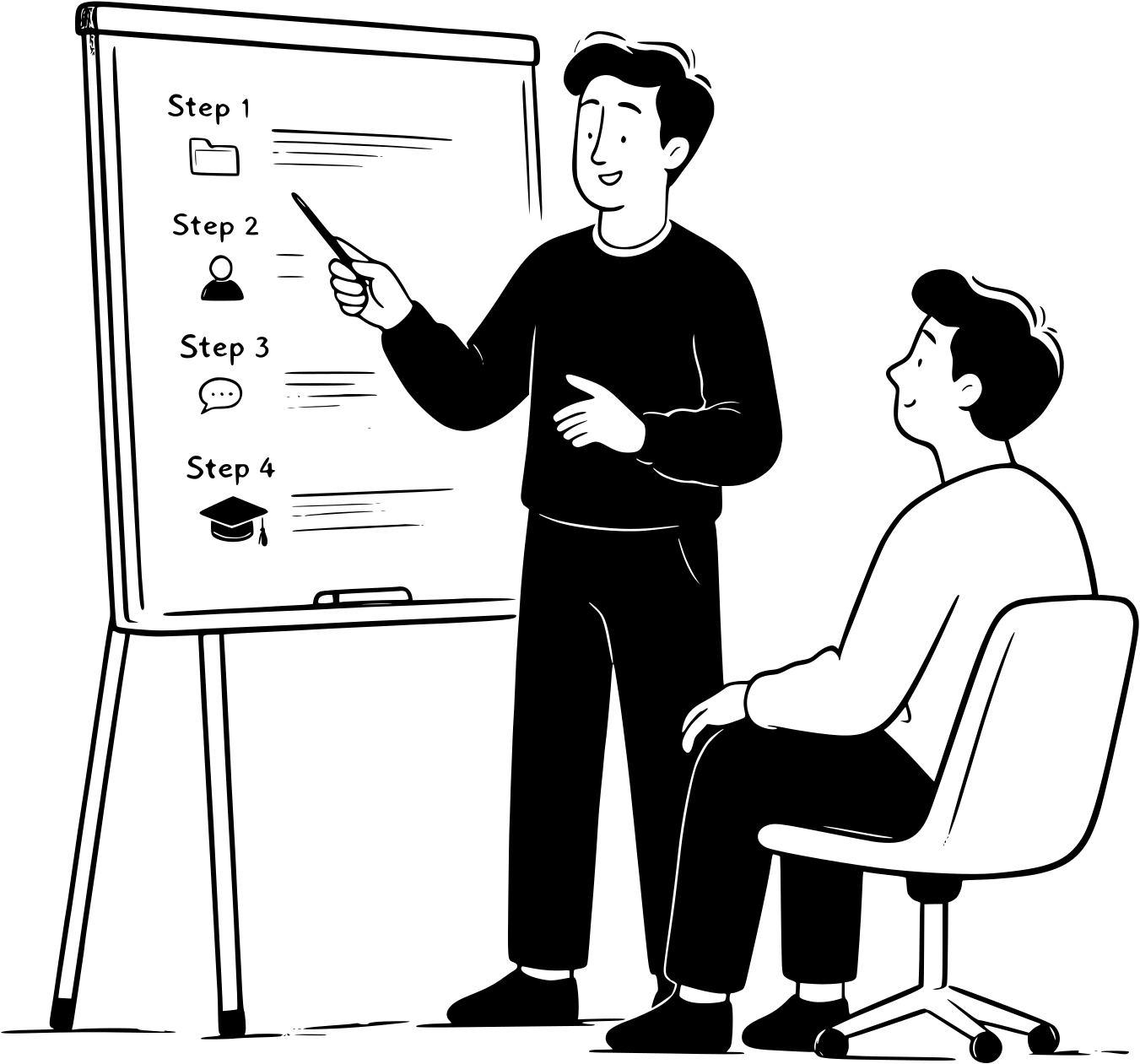
Our training is delivered by certified technicians who are experts in the platforms they use every day, and who are also chosen for their ability to pass on that expertise clearly.
Your teams get someone who can answer technical questions, explain configuration choices and make every topic understandable, whatever the starting level.
Our consultants stay in daily contact with the platforms, their updates and how they're really used. That means you're trained by professionals who still practise what they teach.
Yes. We train on any platform in our portfolio, and on the tools you already run when we know them well enough to be useful. We start by looking at how yours is configured so the session matches your reality.
Both. User sessions work well remotely in small groups. On-site days make sense when you're training a whole team at once.
For user training, small groups so everyone gets hands-on time. Administrator training usually involves one to three people.
Yes, on request, for both user and administrator sessions. The recording becomes part of your internal onboarding material.
You keep the written recap, and training sessions can be booked at any time.
Turn your users into self-sufficient colleagues and your administrators into genuine in-house experts.
