Hudu 2.45 is here: broader connections, faster documentation. This release extends where Hudu connects and speeds up how you document.
This release extends where Hudu connects and speeds up how you document. Passkeys and three new integrations (Unifi, Endpoint Central, and Slide) widen what Hudu plugs into, while a rebuilt asset layout builder, custom QR labels, and a modern block-based editor make the day-to-day work of documenting faster.
Cloud environments begin updating today; self-hosted environments can update whenever they're ready.
Note: to use passkeys, you'll need Hudu Password Manager v1.1.0 alongside Hudu v2.45. Make sure both are updated before testing the feature.
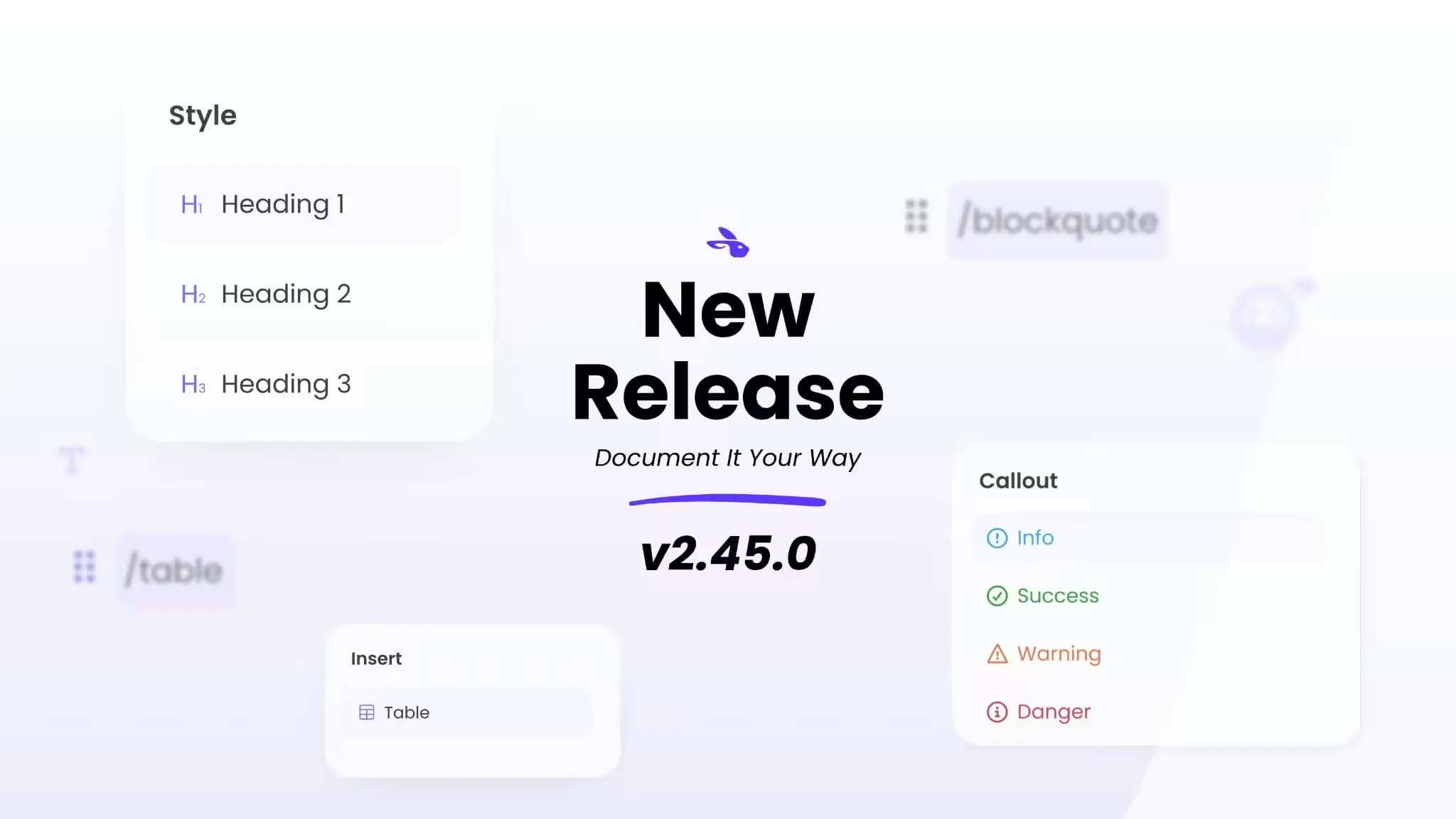
The KB editor and all rich text fields across Hudu now run on a new block-based editor powered by TipTap. It keeps everything the previous editor supported and adds drag-and-drop blocks, floating menus, and slash commands, plus markdown import and export (CommonMark/GFM and HTML) across every rich text field.
This is a game-changer for day-to-day documentation: enjoy faster documentation and the freedom to instantly migrate and paste your pre-formatted markdown straight into Hudu.
Passwords aren't going away overnight, but passkeys are quickly becoming the safer default, and now your team can manage them right alongside everything else in Hudu. The Hudu Password Manager browser extension supports creating and storing both shared company passkeys and personal My Vault passkeys, so techs can add a passkey to an existing credential or create a new record from scratch.
For MSPs managing logins across dozens of client environments, this means one less place credentials live: passkeys sit next to the passwords and notes your team already documents in Hudu, instead of scattered across personal password managers or browser vaults.
Note: Hudu and Hudu Password Manager must be updated to use passkeys.
Asset layouts got a full overhaul, moving from a more rigid configuration screen to something that works like an actual form builder: drag and drop fields into place, preview the asset as you build it, and everything saves automatically as you go.
For anyone standardizing documentation across a growing client base, this cuts a lot of the back-and-forth out of designing a new layout: you see the result as you build it rather than guessing and previewing after the fact.
This release also widens what Hudu connects to, with three new syncs:
Unifi OS: Hudu now syncs sites, devices, and networks directly from Unifi OS, automatically creating assets and networks in IPAM. It supports multiple Unifi connections and connected fields for device name, features, firmware status and version, interfaces, IP address, MAC address, model, and serial number. For MSPs running Unifi gear across client sites, this closes a documentation gap that used to mean manual entry: device and network details now stay current in Hudu without someone updating records by hand.
ManageEngine Endpoint Central: Company and device data from Endpoint Central now syncs into Hudu automatically, keeping endpoint records up to date without manual exports or imports.
Slide: Hudu now syncs devices, agents, and snapshots from Slide, bringing backup status and device data into the same place you document everything else about a client.
Asset layout QR labels are now fully configurable: add extra asset info, custom text, and reorder fields to fit how your team actually labels equipment on-site. Like the layout builder, changes preview live and save automatically.
If you print labels for client hardware, this means the label can finally match the workflow: pull in the fields your techs actually need to see at a glance, in the order that makes sense, without settling for a generic default.
Alerts
Integrations
Security and access
Activity and search
The next major release, v2.46, will ship a feature that requires Postgres 18+ with pgvector. If you're self-hosted, start planning that upgrade now.
Minimum suggested versions for self-hosted environments:
Discover how Halentra can help you implement, optimize and integrate Hudu into your existing IT stack, with a setup built around the way your team actually works.